

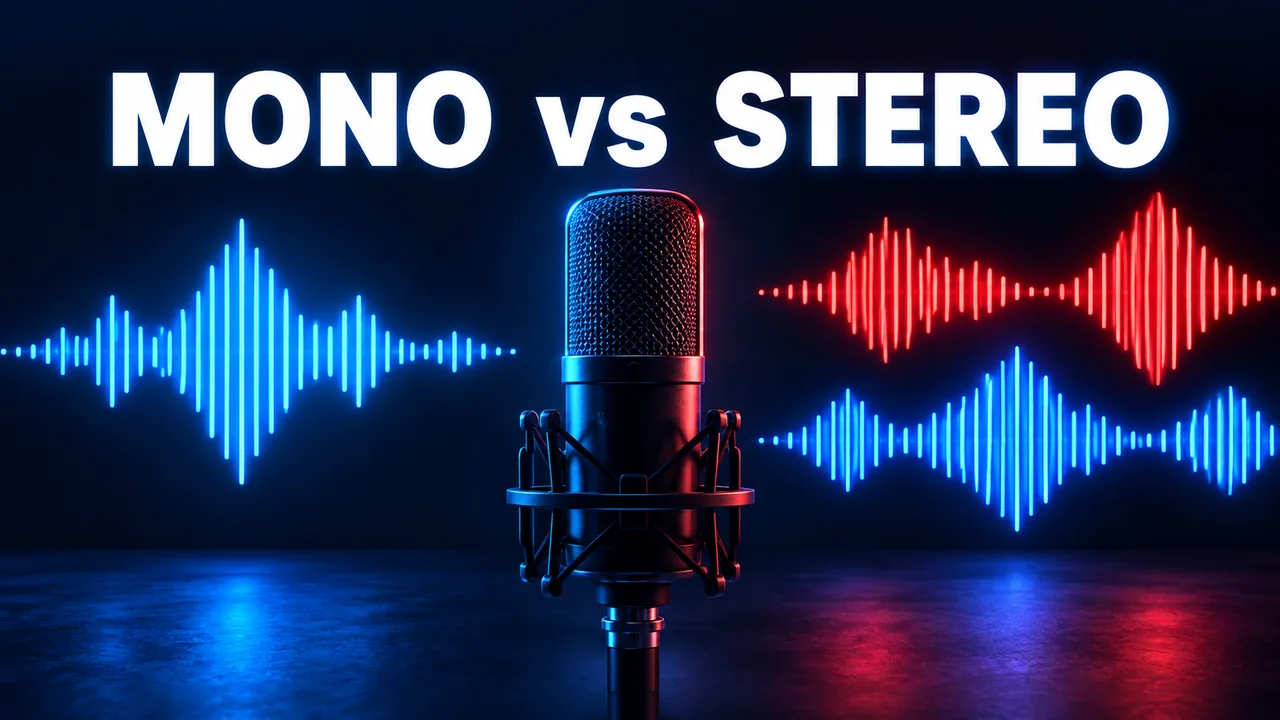
Mono vs Stereo for Spoken-Word Audio
Quick answer: a single-voice recording can work well in mono when there is no meaningful left-right information to preserve. Stereo is useful when spatial placement is part of the recording, such as two people positioned across a room or an interview with important ambience. Choose after listening to the source, not just by checking the channel count.
What one channel and two channels mean
Mono audio contains one channel. Stereo audio contains left and right channels that can carry different signals. A mono file can still play through both earbuds or speakers; the playback system can send the same signal to each side. Conversely, a stereo file is not necessarily spacious. If its left and right channels contain identical information, there may be little practical stereo detail to preserve.
Channel count affects how an encoder distributes its data. If your source is a dry voice recorded by one microphone, retaining two near-identical channels may spend data without preserving new spatial information. However, not every spoken-word recording is that simple. Room tone, sound effects, music beds, guest placement, and binaural scenes can all make the two channels meaningfully different.
When mono can be a sensible speech choice
Consider a lecture recorded from one microphone and intended for casual listening on a phone. If the source genuinely carries one coherent voice signal, mono keeps the presentation centered and can reduce storage at a given encoding strategy. It can also avoid an odd experience when one earbud is removed, provided the player routes mono to both outputs. This is not a universal “mono sounds better” rule. It is a practical match between a simple source and a simple playback goal.
Before choosing mono, inspect both channels of the original stereo file. If one side carries a remote guest, a translation, a separate microphone, or important ambient cues, collapsing them without review could bury or cancel information. Even when both channels seem similar, different phase relationships can change the sound during downmixing. Make a short test copy and compare it on ordinary speakers and headphones before processing a large library.
When stereo deserves to stay
Many podcast and interview productions deliberately place voices in a stereo field and add music or location sound. An oral-history recording may convey where a speaker stands relative to background activity. A field recording with spoken commentary may use the left-right environment as part of the story. Preserving stereo helps keep that creative or documentary context intact. If the content is yours or you have permission to archive it, maintain the original file even if you also make a smaller listening copy.
Headphone listening is a useful test, but do not rely on it alone. Check a single-speaker phone as well, because some listeners hear a downmixed signal. If speech becomes quieter or less clear when summed, investigate the source before adopting a mono derivative. A dedicated editing application can help you inspect channel levels and phase. Do not assume that a format conversion page will make this decision for you.
Channel choice and bitrate interact
Bitrate describes encoded data used per second; channel count describes how many audio channels are represented. They are related but separate settings. At a fixed total bitrate, a two-channel recording asks the encoder to represent more information than a one-channel recording. That does not mean dividing a stereo bitrate by two gives an exact equivalent mono quality. Perceptual encoders use more sophisticated methods, and the source content remains decisive.
For storage planning, use the MP3 bitrate and file-size guide. For a deeper distinction between sample rate and bitrate, see the audio settings explainer. These measurements can help you understand a file, but listening to representative sections remains the final check.
A safe test for your own recording
- Keep a copy of the original authorized recording, including its existing metadata.
- Listen to the left and right channels separately to identify distinct speakers or sounds.
- Make a short mono test from a representative passage rather than changing the whole archive.
- Compare the test on headphones, a phone speaker, and the device where the file will be used.
- Check speech clarity, music beds, ambience, and any change in apparent loudness.
- If the mono test loses useful information, keep stereo for the listening copy.
This workflow also protects you from a common mistake: treating smaller size as proof of an improved file. A smaller mono copy might be ideal for a long lecture; it might be a poor fit for a documentary interview. If you receive an MP3 through an authorized workflow, verify the finished file with the download checklist before relying on it.
Frequently asked question: will mono play in both ears?
Normally, a modern player sends a mono signal to both left and right outputs. If a file sounds only in one ear, first check whether it is truly mono or actually a two-channel file with sound on only one side. That is a different issue and may require correcting the source or channel mapping. Test in more than one player before changing the archive.
For a personal listening copy of content you are allowed to save, choose mono for genuinely single-channel speech and stereo when left-right detail matters. Keep the original, compare short samples, and prioritize clear speech over a format label. The YouTube to MP3 page provides a starting point for permitted audio-only copies; your own channel check should follow any download.
To search for a recording or convert a YouTube link you are permitted to use, start with Ytmp3 and review the available download options.